
Skip to Content

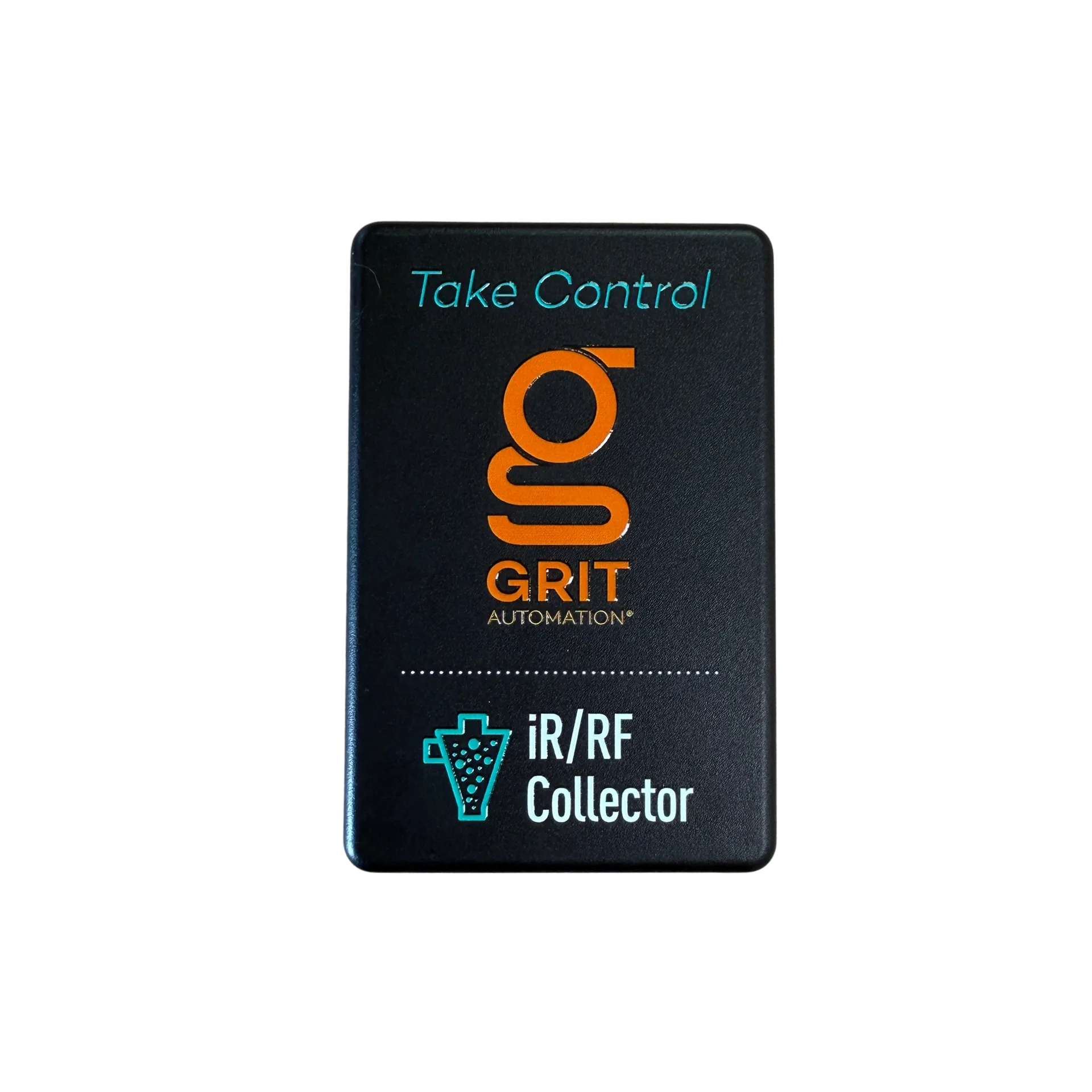
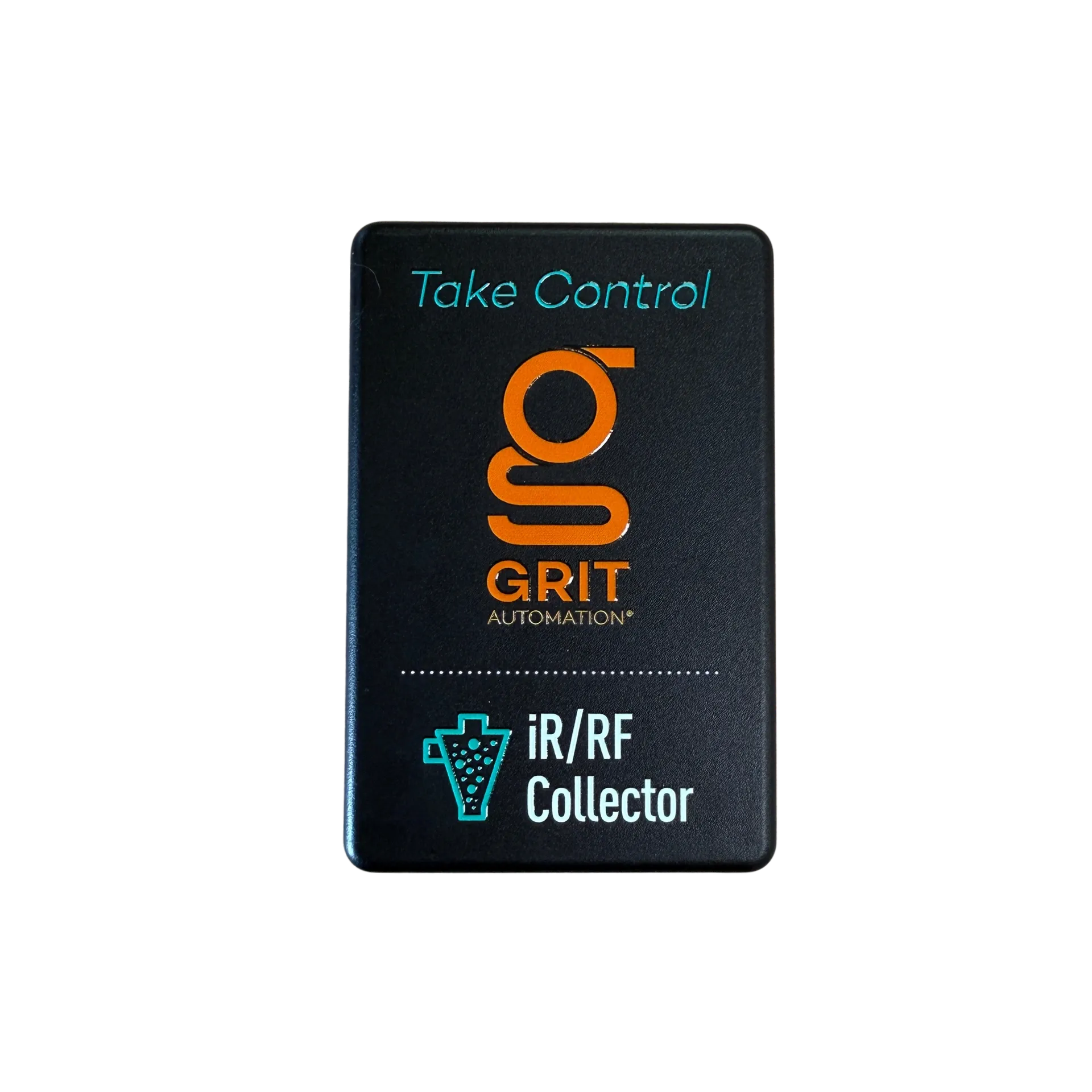
GRIT IR/RF Collector

Collector

Automation for dust collectors with an IR or RF remote.

The IR/RF Collector learns your dust collector's existing remote (infrared or RF), then fires the on/off commands automatically when a GRIT Trigger detects tool activity. No wiring, no rewiring, no internal access. Stick it on the collector, point it at the receiver, and go.

Key Features

  • IR emitter: Fires infrared commands to any compatible remote receiver
  • RF transmitter: Broadcasts RF across 300 MHz-950 MHz
  • Remote learning: Captures on/off codes from existing remotes via the Hub
  • Oneida-ready: Proven compatibility with Oneida dust collectors
  • VHB mounting: Sticks to any flat surface with included tape

Specifications

  • SKU GH-CO3000
  • Power 120V AC
  • Cord 1 ft
  • IR Emitter
  • RF 300 MHz-950 MHz
  • Mounting VHB tape (included)
  • Connectivity GRIT Mesh Network
  • Status RGB LED

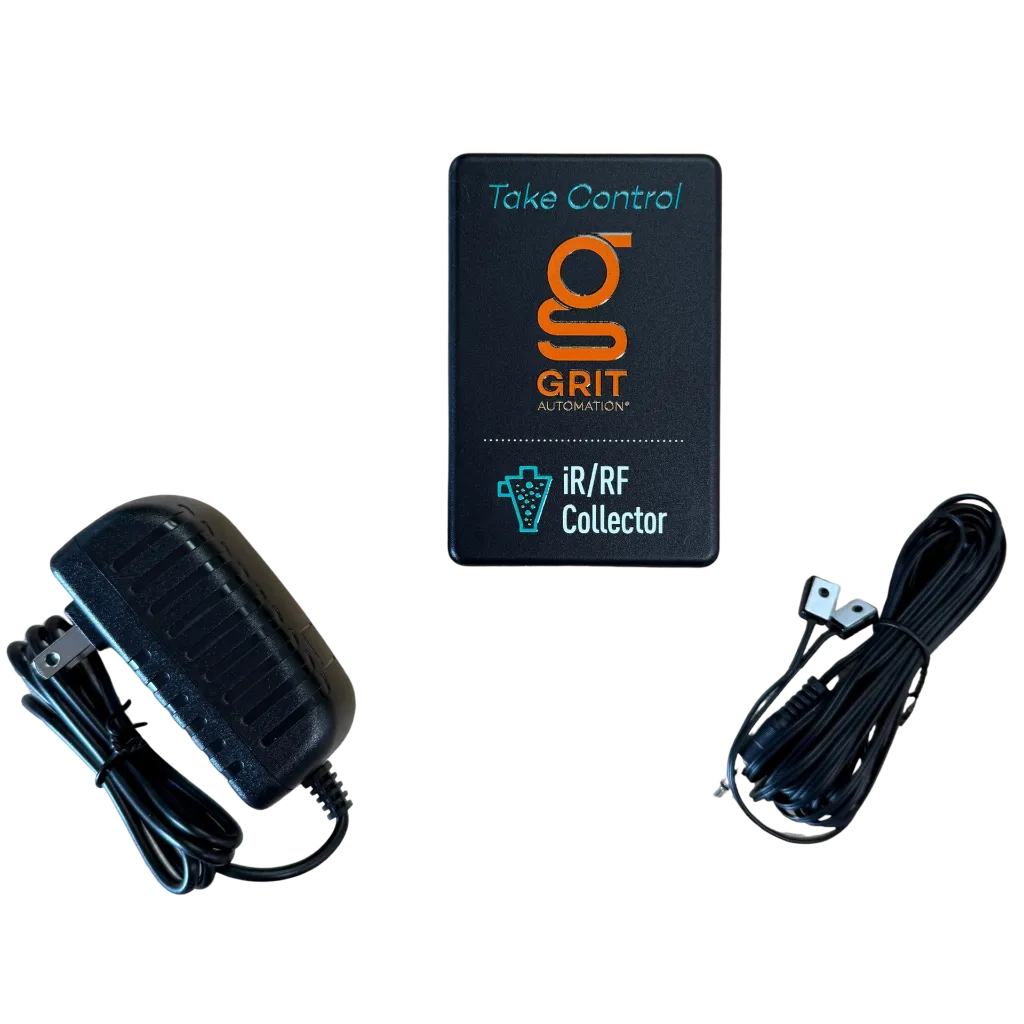
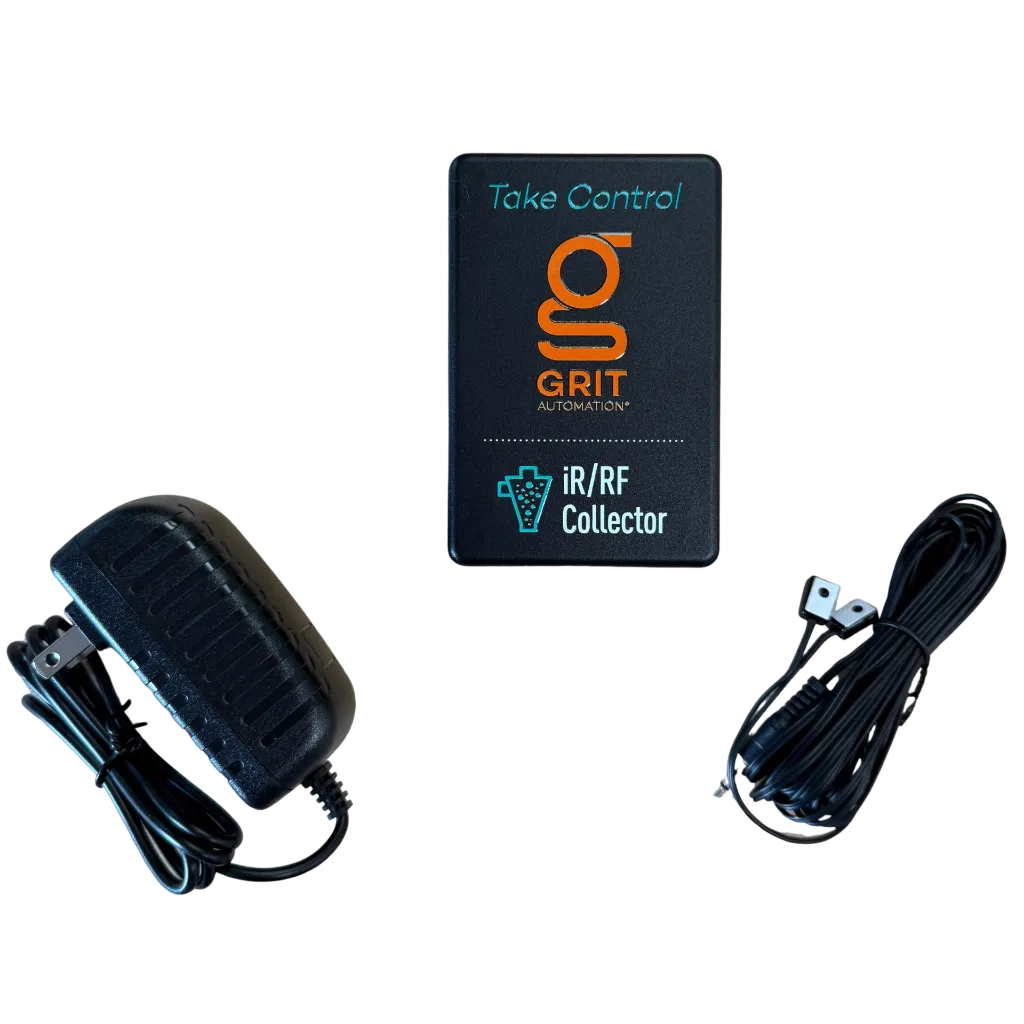
In the Box

  • 1x GRIT IR/RF Collector (GH-CO3000)
  • 1 ft 120V power cord
  • VHB mounting tape

Compatibility

Works with any dust collector that has an IR or RF remote in the 300 MHz-950 MHz range. Excellent with Oneida collectors. Contact GRIT if you're not sure whether your remote is compatible.

Installation

Mount the Collector near your dust collector's remote receiver, plug it into a 120V outlet, and use the GRIT app to learn the remote's on/off commands through the Hub.

*GRIT Hub is required for device functionality.

Dust Management
$ 165.00 $ 165.00
$ 165.00
Terms and Conditions
30-day money-back guarantee
Shipping: 2-3 Business Days

Frequently asked questions

Will the IR/RF Collector work with my dust collector's remote?

It works with the remote that came from your dust collector's manufacturer, either infrared or RF from 300 to 950 MHz. The Hub learns the remote's On and Off commands. It doesn't work with aftermarket add-on remotes. If you aren't sure, email support@gritautomation.com a photo of your remote and collector.

Can I still use my factory remote?

Yes, with one thing to know. GRIT keeps checking whether the collector is in the state it expects. If you start the collector with the factory remote while no GRIT tool is running, GRIT may turn it back off. To run the collector by hand, use a Switch Trigger or the GRIT App so the system knows about it.

Sometimes the collector doesn't turn on or off. What should I check?

Mount the IR/RF Collector close to the dust collector's receiver. For infrared, place the emitter directly over the receiver's eye. Make sure the Hub and devices run the latest software. If the collector still misses commands, re-learn the On and Off codes in the GRIT App. Some collectors need each command sent more than once: tap the square-wave button next to each IR Remote On, Off or Speed Command to open its repeat setting. If the problem keeps coming back, email support@gritautomation.com and we'll help you sort it out.

How do I install it?

Stick it near your dust collector's remote receiver with the included VHB tape, plug it into a 120V outlet, and use the GRIT App to teach the Hub your remote's On and Off commands.