
Skip to Content

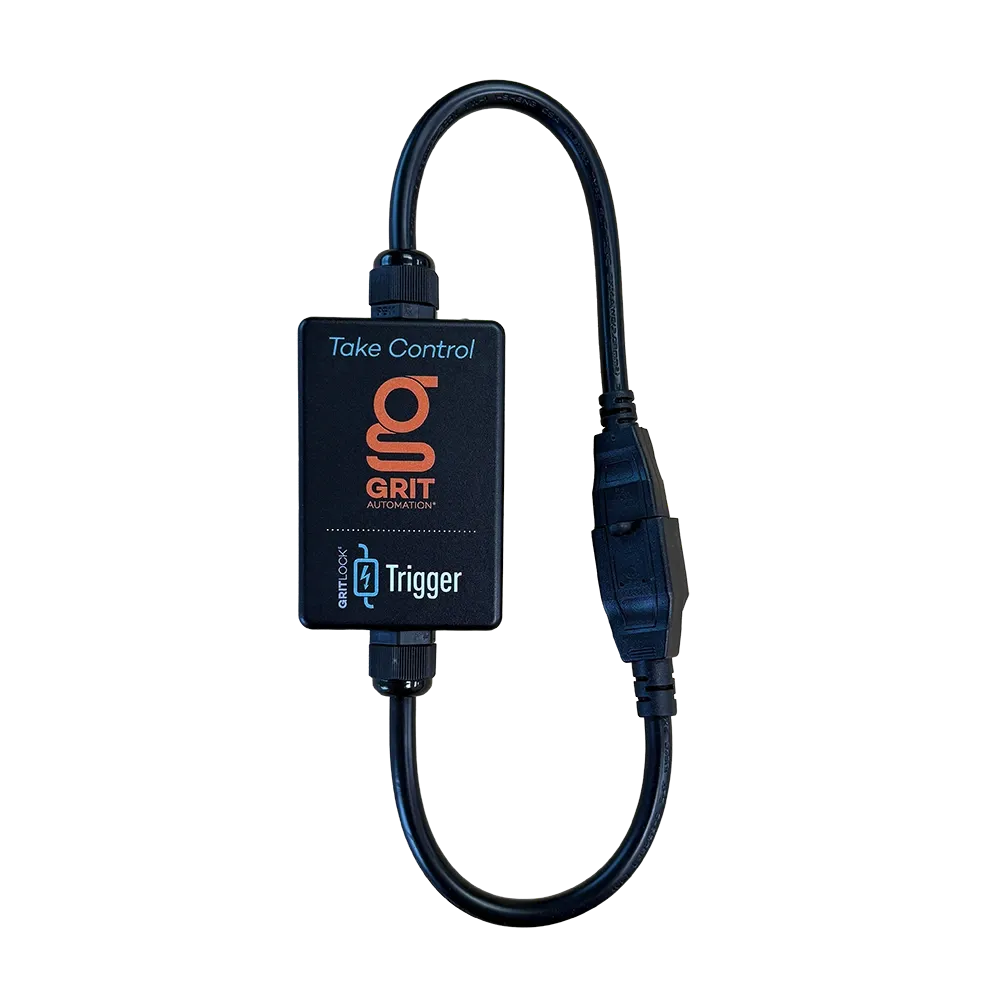
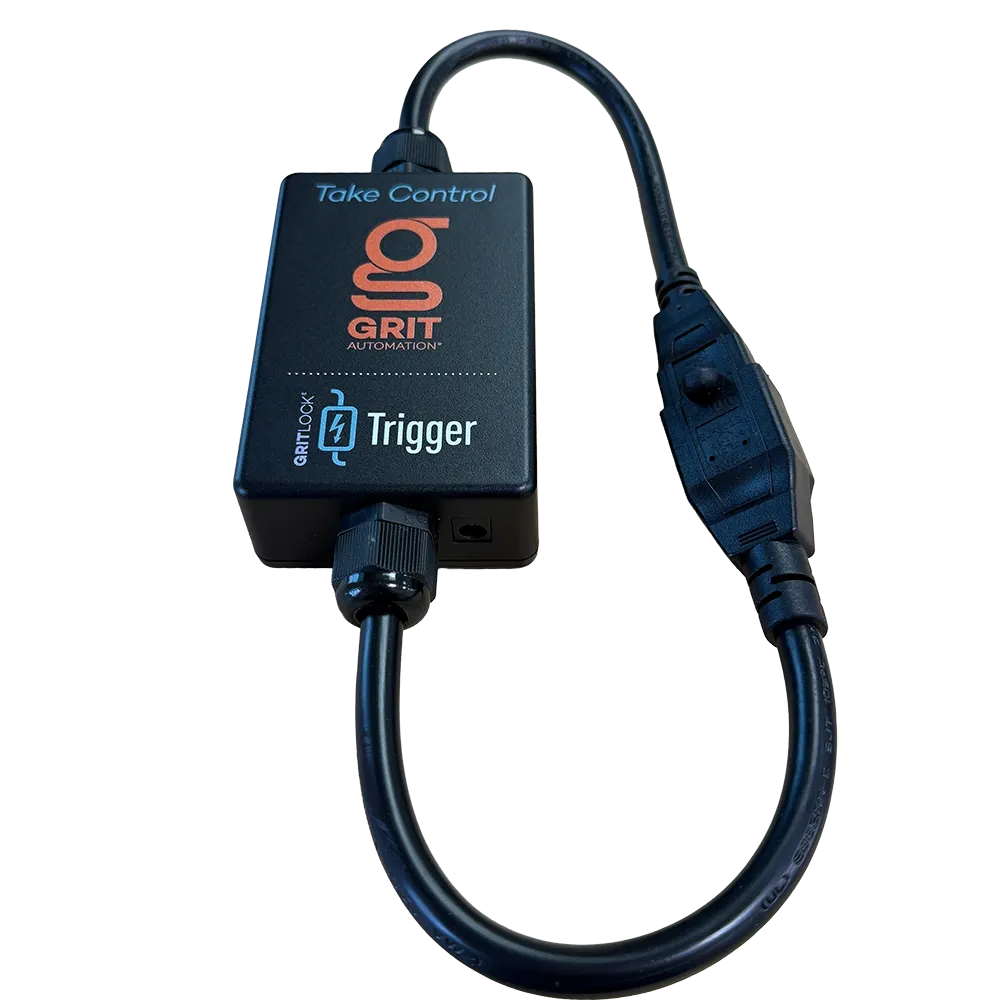
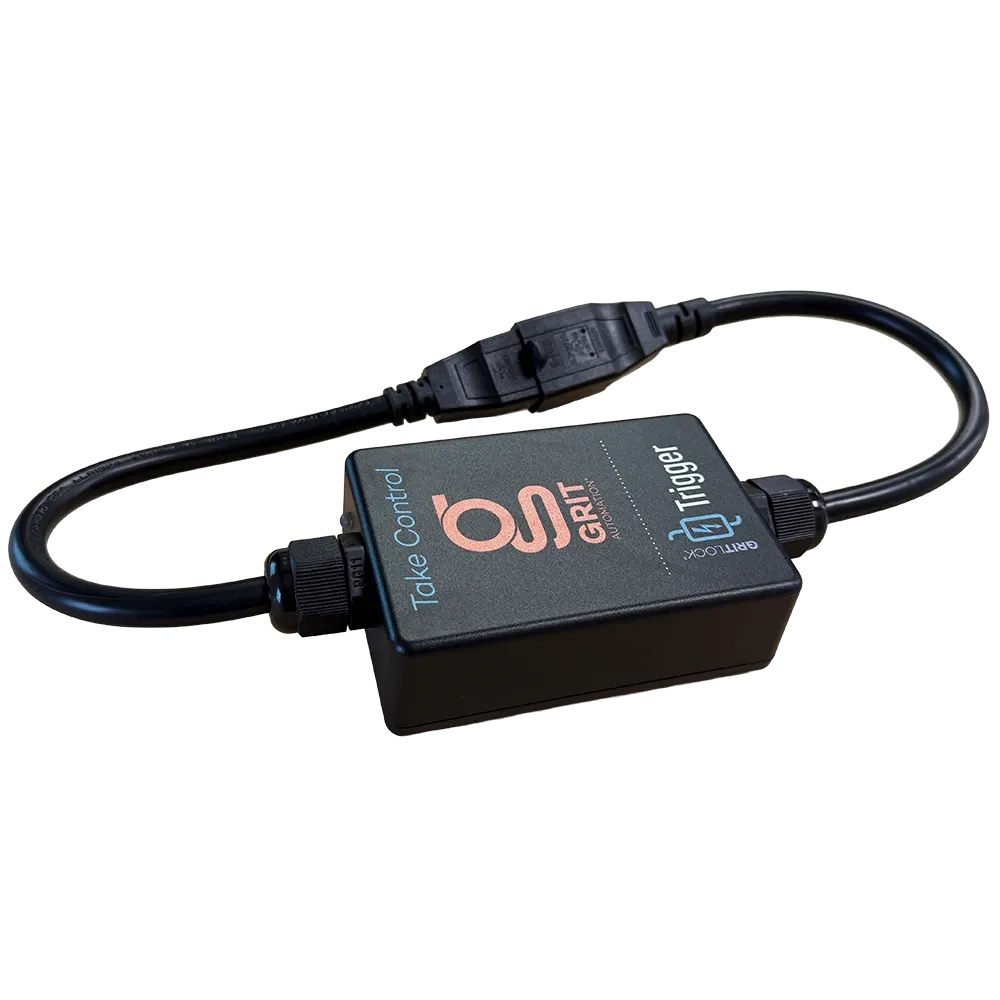
GRIT 120V 15A Trigger

Single-Phase Trigger

Plug-and-play power monitoring for any 120V shop tool up to 15 amps.

The 120V Trigger sits inline between the tool and the wall outlet, senses when the tool powers on, and tells your GRIT Hub to open the right blast gate, start the dust collector, all automatically. One Trigger per tool.

Key Features

  • Inline current sensing: Detects tool activation with no wiring changes
  • Automated dust collection: Opens blast gates and starts collectors on tool-on
  • Runtime logging: Tracks tool runtime automatically
  • Status LED: RGB LED shows idle or running at a glance

Specifications

  • SKU GH-TR1001
  • Voltage 120V
  • Amperage 15A continuous
  • Phase Single-phase
  • Plug Type NEMA 5-15
  • Cord 1 ft, 14 AWG
  • Connectivity GRIT Mesh Network
  • Status RGB LED

In the Box

  • 1x GRIT 120V 15A Trigger (GH-TR1001)
  • 1x 14 AWG pass-through cord with NEMA 5-15 plug and receptacle

Compatibility

Works with any 120V shop tool drawing up to 15A continuous on a standard NEMA 5-15 outlet. Pair with GRIT Gates and Collectors for full dust-collection automation.

Installation

Plug the tool into the Trigger, plug the Trigger into the wall outlet, and pair with the Hub through the GRIT App. No tools, no wiring, under two minutes.

*GRIT Hub is required for device functionality.

Important Notes

Verify your tool draws under 15A continuous before ordering. Tools that exceed 15A or run on 220V require the Heavy Duty or Industrial Trigger models.

Access Control
$ 165.00 $ 165.00
$ 165.00
Terms and Conditions
30-day money-back guarantee
Shipping: 2-3 Business Days

Frequently asked questions

Which Trigger do I need for my tool?

Check the voltage and amperage on your tool's nameplate. The GRIT 120V 15A Trigger is for single-phase 120V tools drawing up to 15A on a standard NEMA 5-15 outlet. 120V tools over 15A need the Heavy Duty 120V 35A Trigger. 220V tools up to 15A use the 220V 15A Trigger. If you aren't sure, email support@gritautomation.com with the nameplate info and we'll match it for you.

Do I need an electrician to install it?

No. Plug the tool into the Trigger, plug the Trigger into the wall outlet, and pair it with the GRIT Hub in the GRIT App. No tools, no wiring, about two minutes per tool.

My new Trigger won't show up in the app. How do I pair it?

Every device ships on mesh Channel 1. If your system runs on a different channel, the new Trigger can't find it. In the GRIT App, open the Mesh Network tab in Admin, set Allow New Devices to Yes, then press Inform Devices. Keep the Trigger plugged in while it pairs. Still stuck? Email support@gritautomation.com and we'll walk through it with you.

My tool has a digital display or light. Will that start the dust collector before I cut?

It shouldn't, once the Trigger is set up for that tool. Set the Activation Level above the tool's idle draw, which you can read on the Trigger's power graph. If the tool spikes at power-up, use the Spike profile. If small spikes still get through, use the Advanced profile and add an Activation Delay. The current then has to stay above the Activation Level for a set time before GRIT counts the tool as running.

What's the warranty, and what if my Trigger stops working?

Every GRIT at Home Trigger comes with a 1-year warranty. The optional GRIT at Home subscription, $5 a month, keeps your Triggers and Gate Controls under warranty for as long as you subscribe. If a Trigger stops passing power, email support@gritautomation.com. We usually start with a photo, then send a return label if it needs to come in.