
Skip to Content

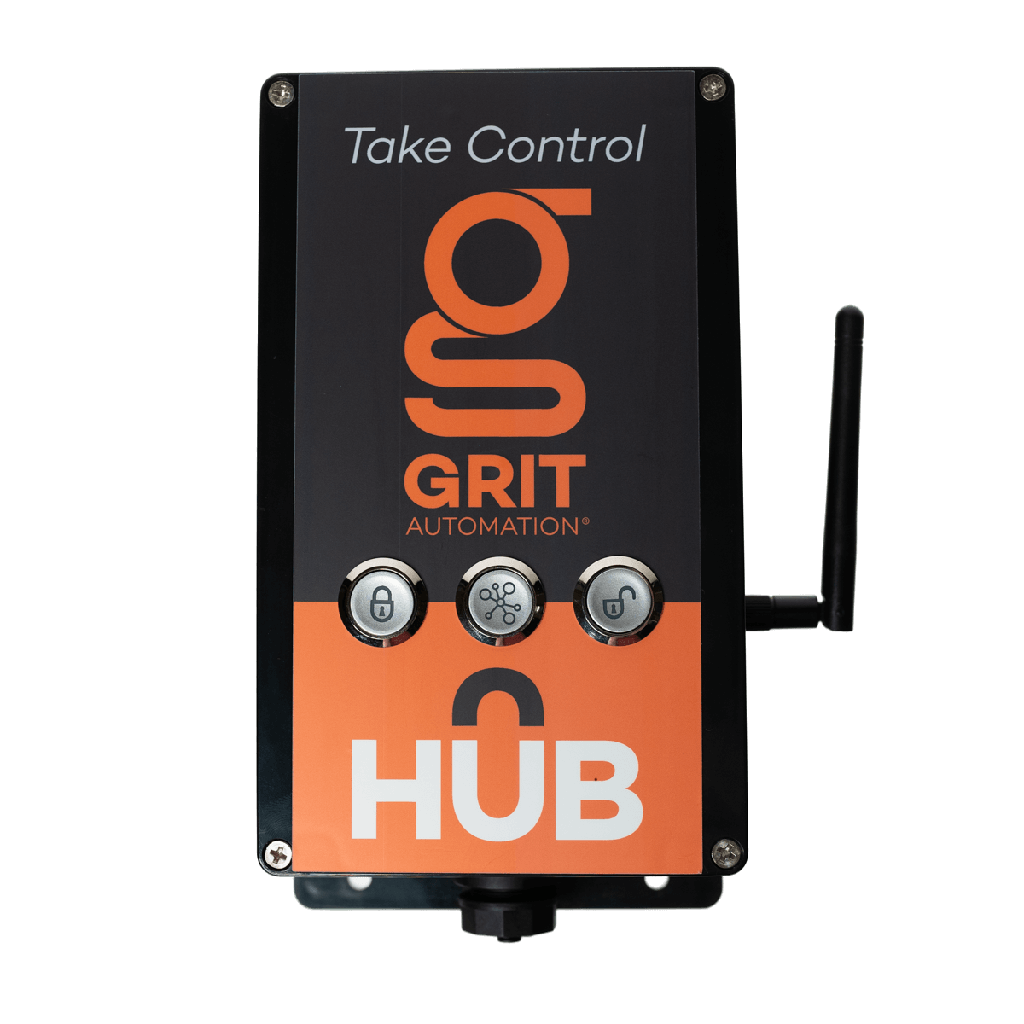
GRIT Hub

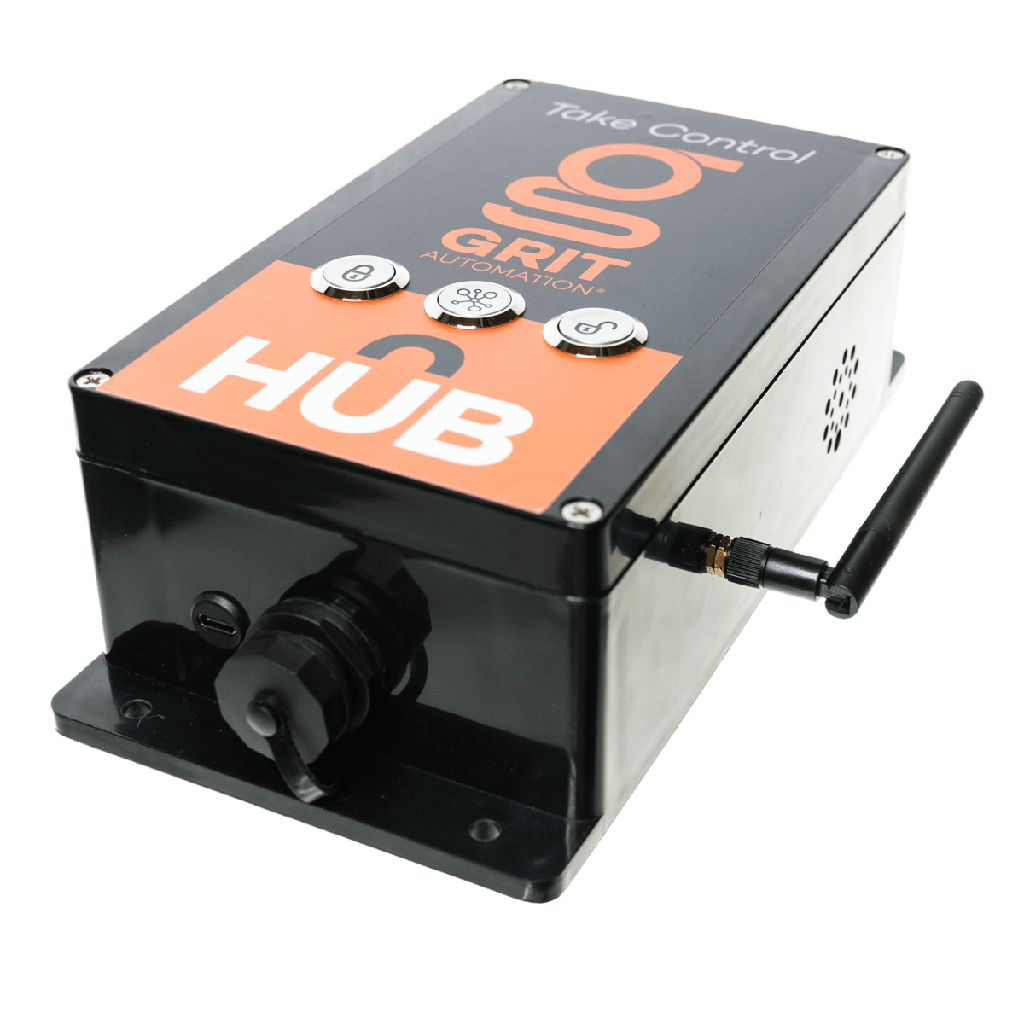
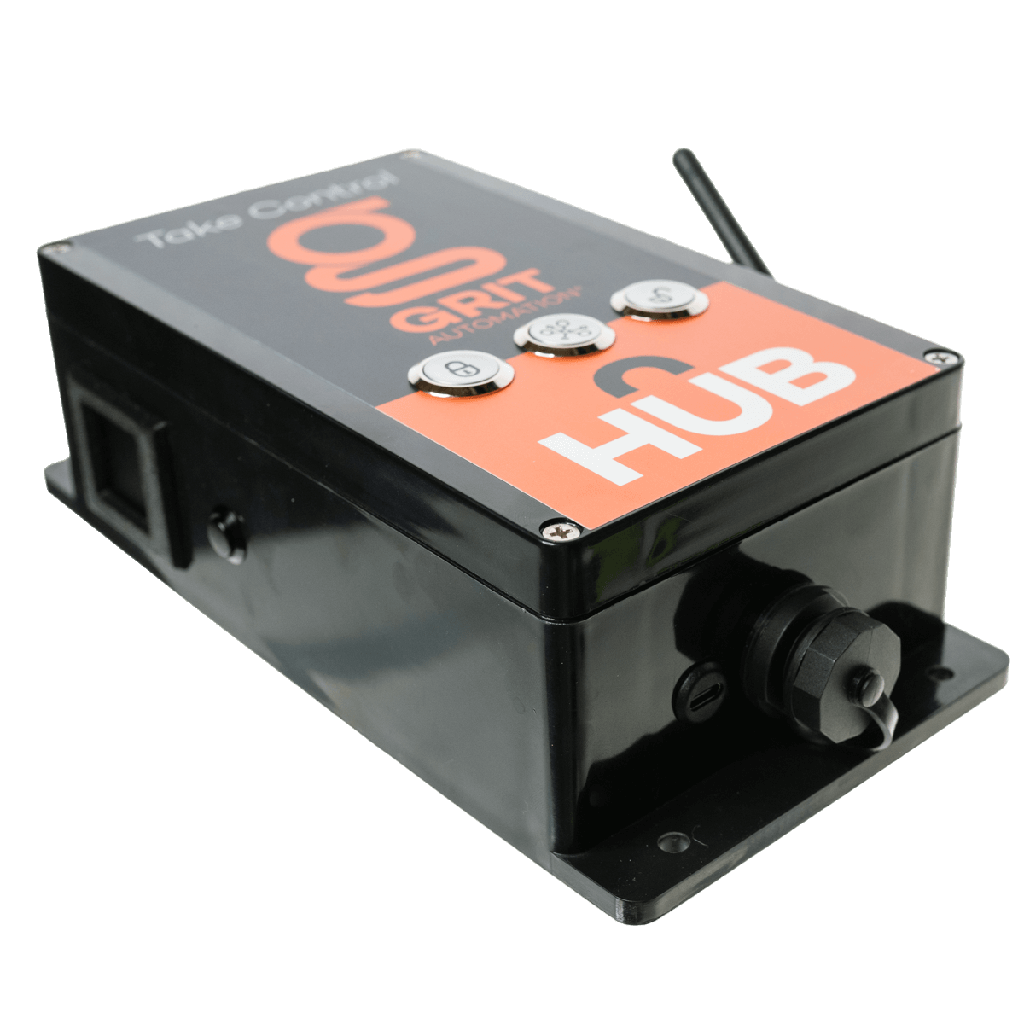
Automation Hub

The brain of every GRIT Automation system.

Every GRIT device pairs to a Hub. The Hub talks to Triggers, Gates, and Collectors across your shop, runs the automation rules, and keeps everything in sync through the GRIT app, so when a tool powers on, the right gate opens and the collector spins up without you lifting a finger.

Key Features

  • Central controller: Coordinates every GRIT device on a single-zone system
  • Wi-Fi and Ethernet: Hardwire via CAT5 or connect over Wi-Fi
  • IR and RF programming: Learns legacy remotes for Air Quality control integration
  • QR-code setup: On-device screen makes pairing the app effortless
  • App control: Configure rules, schedules, and devices from iOS or Android

Specifications

  • SKU GH-HU1001
  • Power 5V 4A adapter (120V AC)
  • Network Ethernet + Wi-Fi
  • Wireless IR + RF programming
  • Display QR-code setup screen
  • Zones Single-zone

In the Box

  • 1x GRIT Hub (GH-HU1001)
  • 5V 4A power adapter

Compatibility

Pairs with every GRIT Trigger, Gate, Collector, and Sensor for single-zone dust collection automation.

Installation

Plug the Hub into any 120V outlet near your router, connect via Ethernet or Wi-Fi, scan the QR code with the GRIT app, and start pairing devices. Under five minutes from box to running.

$ 350.00 $ 350.00
$ 350.00
Terms and Conditions
30-day money-back guarantee
Shipping: 2-3 Business Days

Frequently asked questions

Does GRIT need the internet or a monthly subscription?

No. The GRIT Hub runs your shop on its own local network, and your data stays on the Hub. You only need internet for remote access and software updates, both of which we recommend. The GRIT at Home subscription is optional: for $5 a month, it keeps your Triggers and Gate Controls under warranty for as long as you subscribe.

Where do I download the GRIT App?

There's nothing to download from an app store. The GRIT App runs on the Hub itself. Press the button on the side of the Hub to show the app's QR code, then scan it. Use Safari on iPhone or Chrome on Android. Once it opens, save it to your home screen. The shortcut only works when your phone is on the same network as the Hub.

How do I add a second phone or a tablet?

Connect the second device to the same network as the Hub, scan the app QR code from the Hub's side display, and sign in. Save it to that device's home screen too.

I replaced my router, or typed the Wi-Fi password wrong. How do I start over?

Hold the black display button on the Hub for a full 20 seconds to clear its network settings. Then connect to the Hub's own Wi-Fi (the network name starts with “grithub-”) and run the Wi-Fi setup again. The Hub's Wi-Fi password is in the Quick Start guide that came with your Hub, or email support@gritautomation.com and we'll help. If your shop has an Ethernet jack near the Hub, a wired connection avoids Wi-Fi trouble altogether.

How do I update the Hub and my devices?

With the Hub online, go to Admin, Settings, Update Hub. When that finishes, go to Admin, Device Maintenance, and update all devices. The Hub pushes new firmware to your Triggers, Gate Controls and Collectors over the mesh.