
Skip to Content

GRIT Switch Trigger

Switch Trigger

Wireless manual control for floor sweeps and lathes.

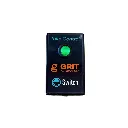
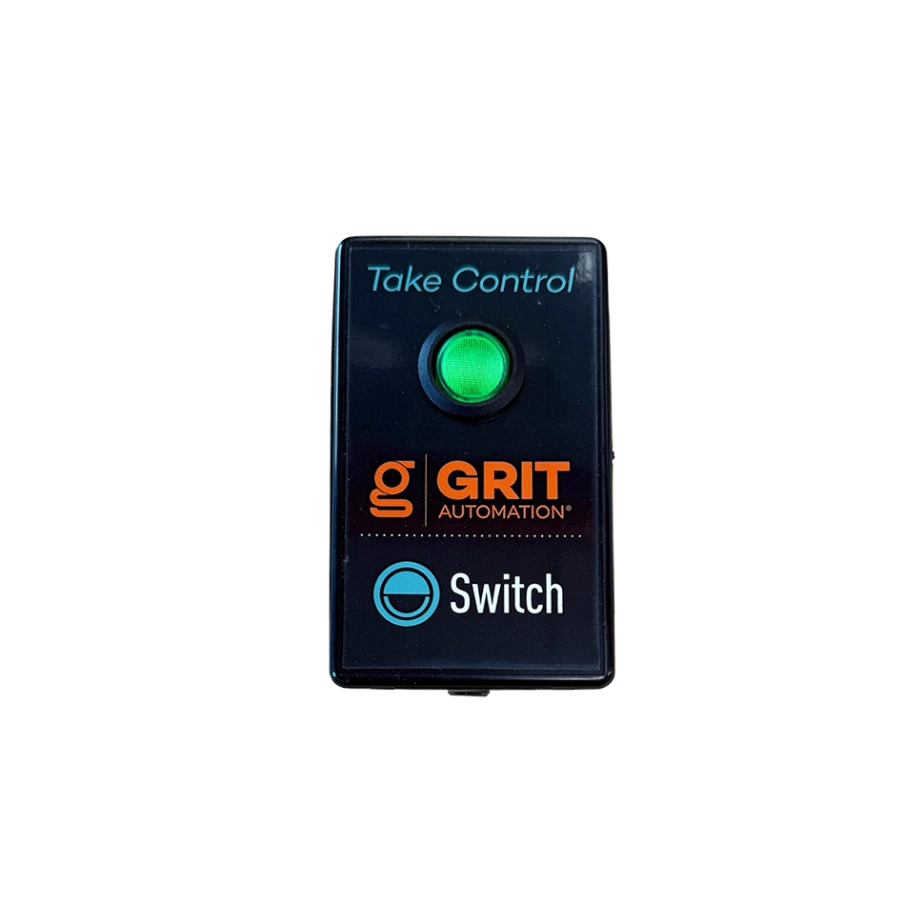
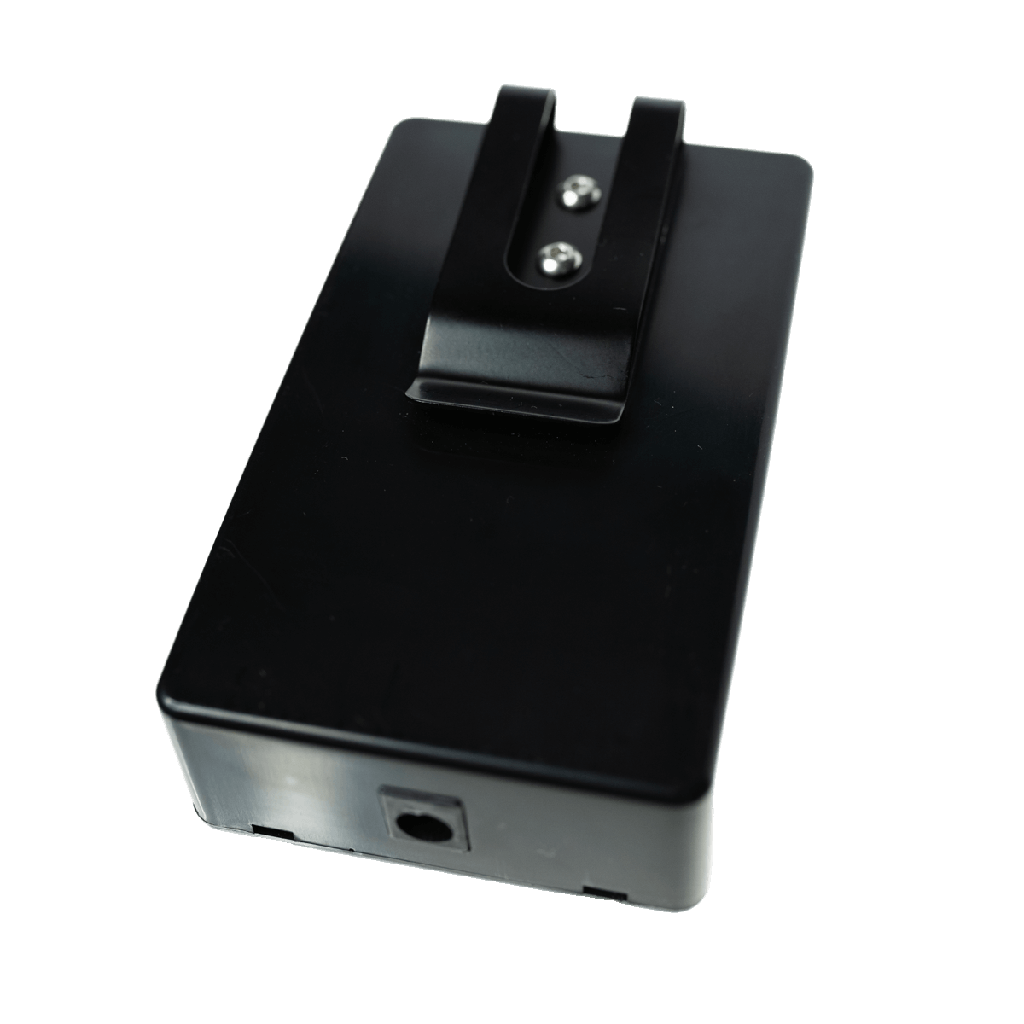
The Switch Trigger is a handheld, rechargeable remote for tools and jobs that don't fit a 1:1 current-sensing setup. Press the LED rocker button to open a blast gate, kick on the collector, or trigger any GRIT-connected device: ideal for floor sweeps, lathes, and anywhere manual control beats automation.

Key Features

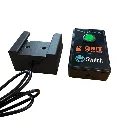
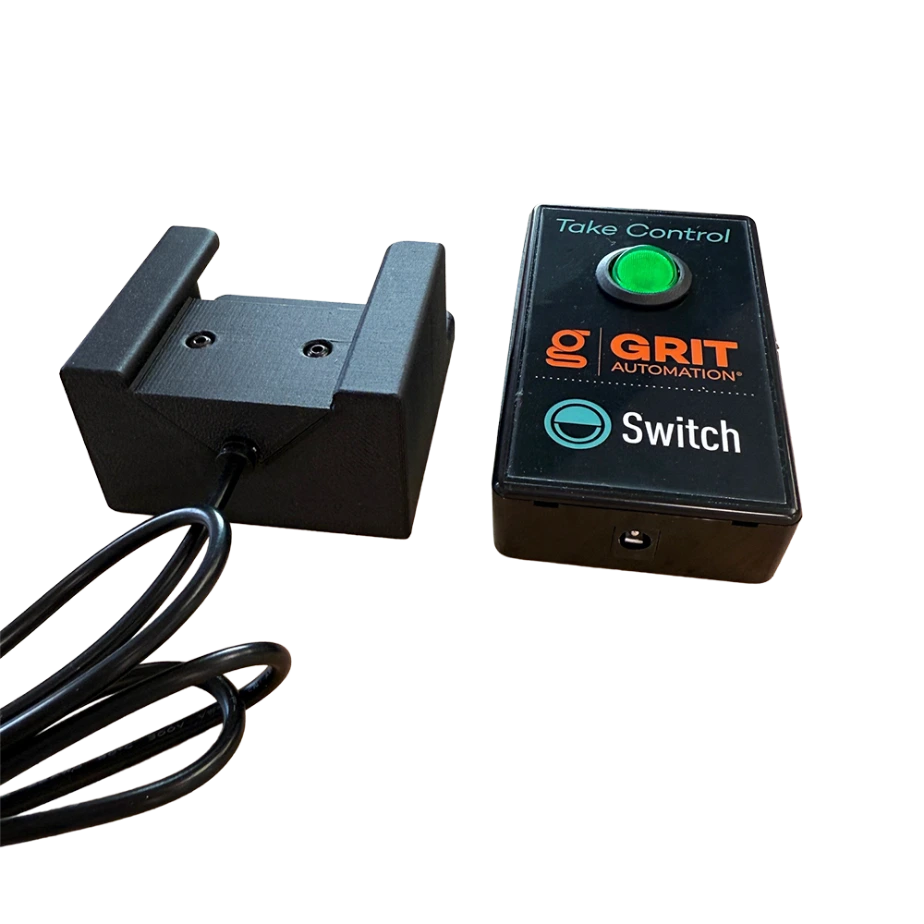
  • Wireless remote: Rechargeable handheld device with illuminated LED rocker button
  • Manual trigger: Start collectors and open blast gates on demand
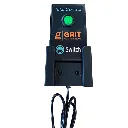
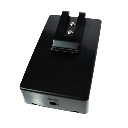
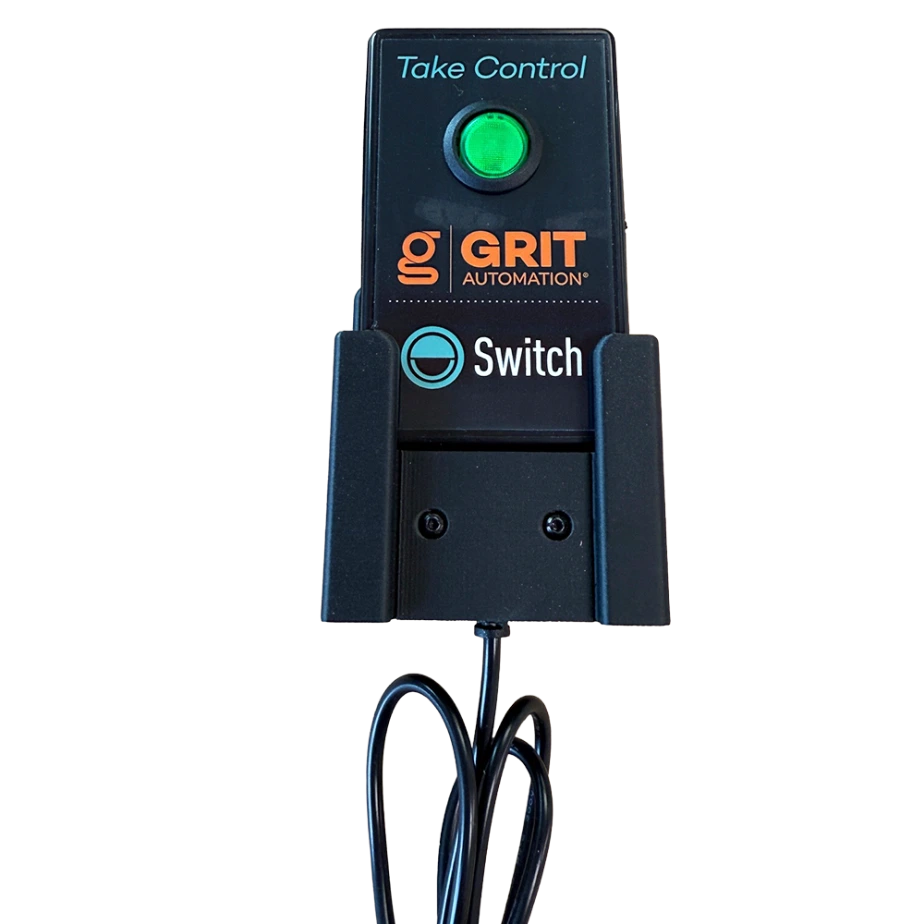
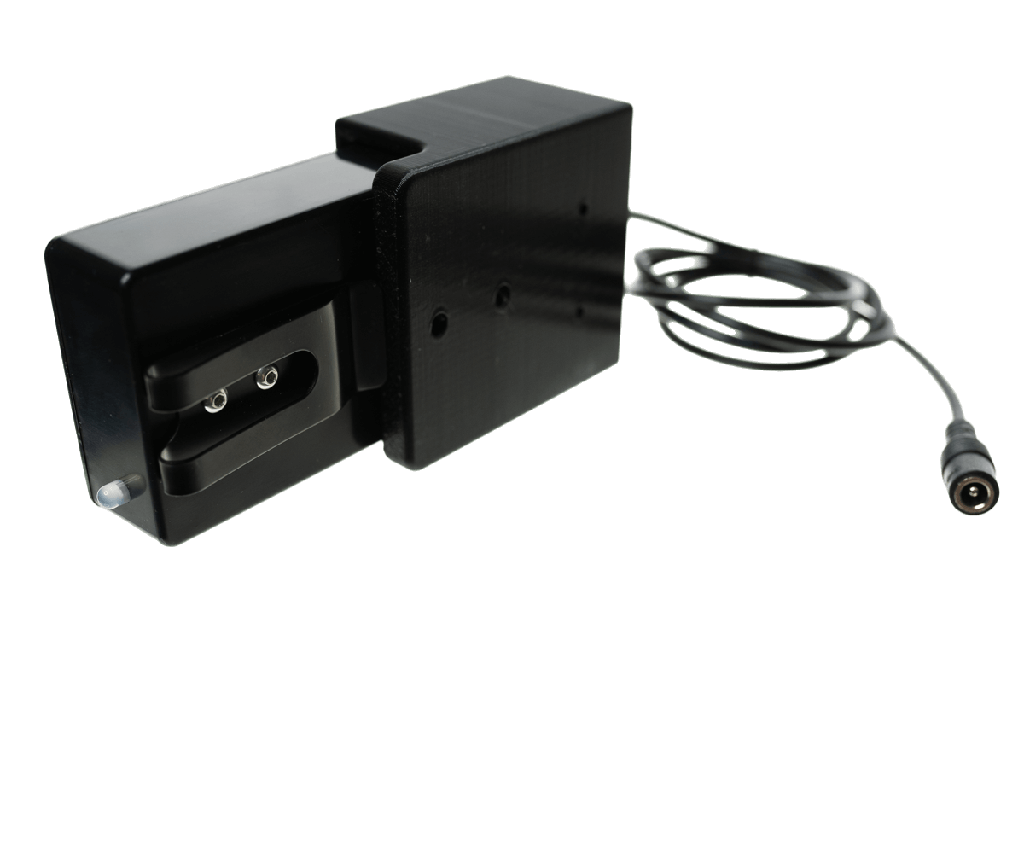
  • Charging dock: Wall-mountable dock keeps the remote ready at all times
  • Durable button: Rated for heavy shop-floor use

Specifications

  • SKU GH-TR5000
  • Form Handheld remote
  • Power Rechargeable battery
  • Dock Input 120V AC
  • Control LED rocker button
  • Connectivity GRIT Mesh Network

In the Box

  • 1x GRIT Switch Trigger (GH-TR5000)
  • Charging dock with mounting hardware
  • 120V AC/DC wall adapter

Compatibility

Pairs with GRIT Gates and Collectors for any manually controlled operation: floor sweeps, lathes, welding stations, or benches without a dedicated tool.

Installation

Mount the charging dock with the included hardware, plug in the AC adapter, and pair the remote with the Hub through the GRIT app. No wiring to the tool itself.

*GRIT Hub is required for device functionality.

$ 180.00 $ 180.00
$ 180.00
Terms and Conditions
30-day money-back guarantee
Shipping: 2-3 Business Days

Frequently asked questions

What is the Switch Trigger for?

It's a rechargeable handheld remote for jobs that a plug-in Trigger can't sense: floor sweeps, lathes, benches, or tools you haven't automated yet. Press the button to start the collector and open the gates you assigned. Tools that already have Triggers keep working as normal, and the system knows the collector is already running.

Can I automate part of my shop now and the rest later?

Yes. Many shops start with a few tools and use a Switch Trigger for everything else. You can add Triggers, Gate Controls or a collector device later without starting over.

Does the gate close when I turn the Switch off?

Yes. Turning the Switch off works like turning a tool off: the collector stops and the gate is free to close when another tool needs a different gate.

Can the Switch turn itself off if I forget?

Yes. In the GRIT App, set the Switch Trigger's Switch Mode to Timed and choose an On Duration, such as 30 minutes. When that time runs out, GRIT turns the Switch off even if the switch itself is still on. In Continuous mode, the Switch stays on until you turn it off.

My Switch won't pair with the Hub.

Turn the Switch on so it doesn't go to sleep while pairing, and keep it on or in its charging dock. In the GRIT App, open the Mesh Network tab in Admin, set Allow New Devices to Yes, then press Inform Devices.